
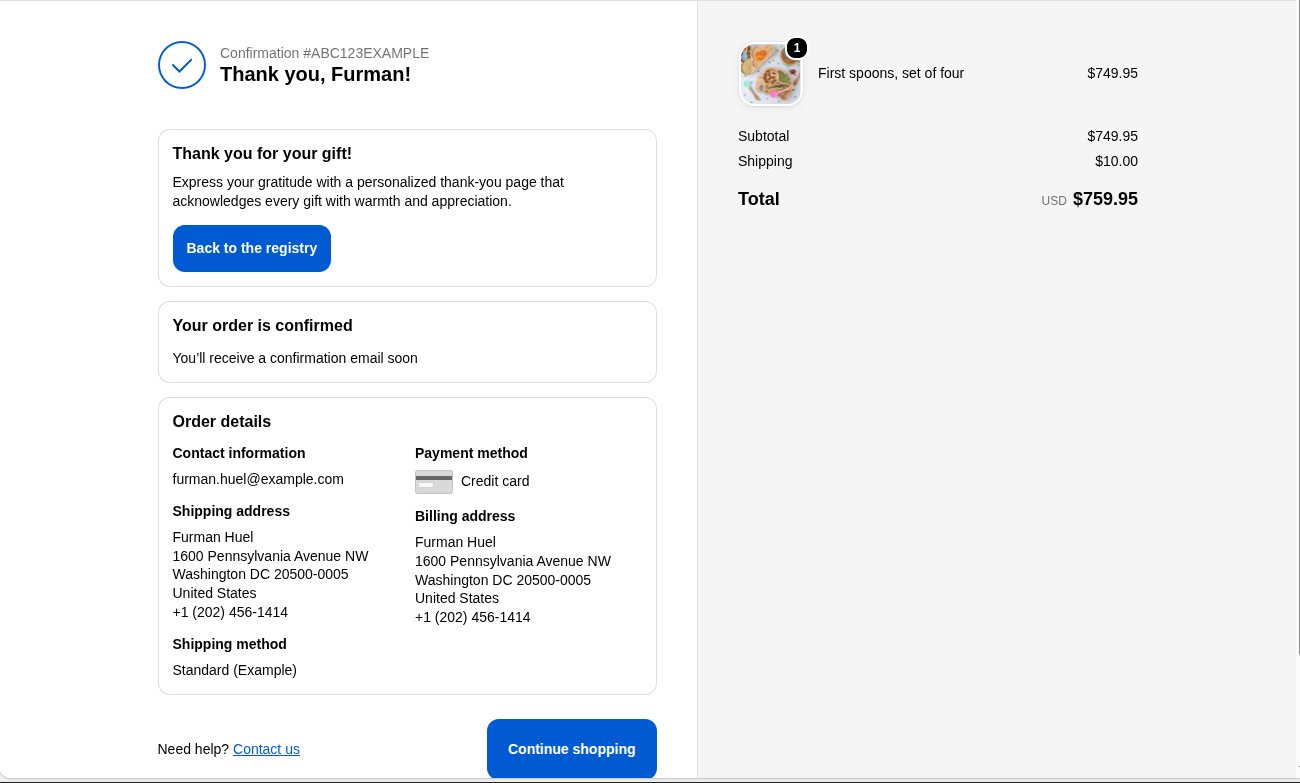
Add the block
1
Open the checkout editor
In your Shopify admin, go to Settings → Checkout and click Customize.
2
Choose the Thank you page
Choose Thank you from the page menu at the top.
3
Add the block
Click Add app block and choose Registry Thank You.
4
Adjust and save
Optionally change the text in the block settings, then click Save.
Block settings
In the checkout editor, the preview links to your home page because there is no real order. On real orders, the button opens the registry. This needs the app embed to be on.