
- Search across your store. Anyone can search public registries, signed in or not. Private registries never appear.
- Shareable links. Each view has its own URL, so customers can bookmark them and the browser Back button works.
- Gifts go straight to the cart. Gift this adds the item to the cart right away, so the selection survives a reload.
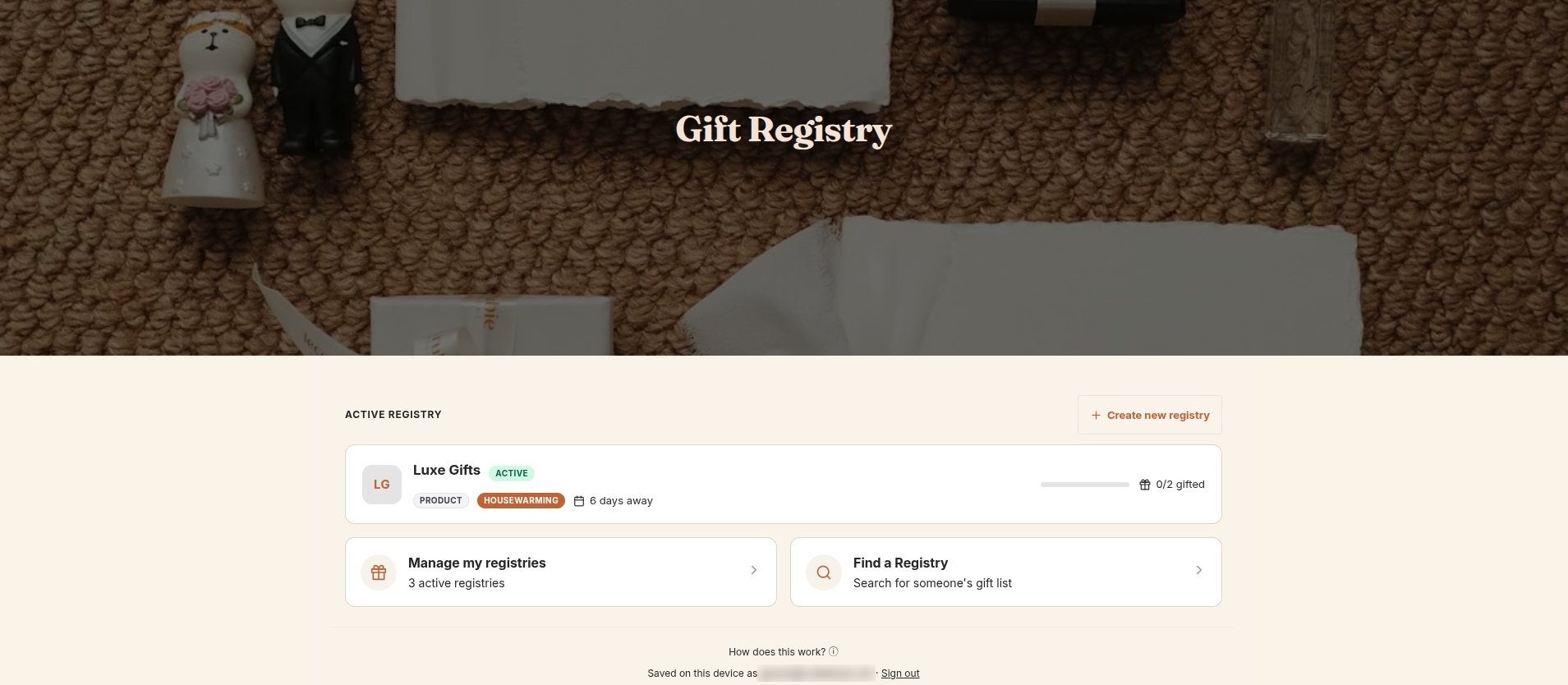
Create the page
1
Create a page
In your Shopify admin, go to Online Store → Pages → Add page. Name it, for example, Gift Registry. We recommend the URL handle
gift-registry, so the page lives at /pages/gift-registry.2
Create a template for it
Go to Online Store → Themes → Customize. From the page menu at the top, choose Pages → Create template, name it (for example
gift-registry) and base it on the default page.3
Add the block
Click Add section → Apps and choose CB Gift Registry Page. For a full-width look, turn off the section’s margins and set Width to Full. Save.
4
Assign the template
Back in Online Store → Pages, open your page and choose the new template under Theme template. Save.
5
Link to it
Add the page to your menu. See Navigation links.
Block settings
The banner image, title and subtitle are shared with the side drawer. Set them in the app under Settings → General settings → Hero Banner. See Customize the appearance.
Custom CSS
Custom CSS in the app embed settings also applies to the page. Use.cbgcd__surface--page to target rules at the page only.