
- Birthday
- Baby Shower
- Wedding
- Housewarming
- Bridal Shower
- Anniversary
Manage event types
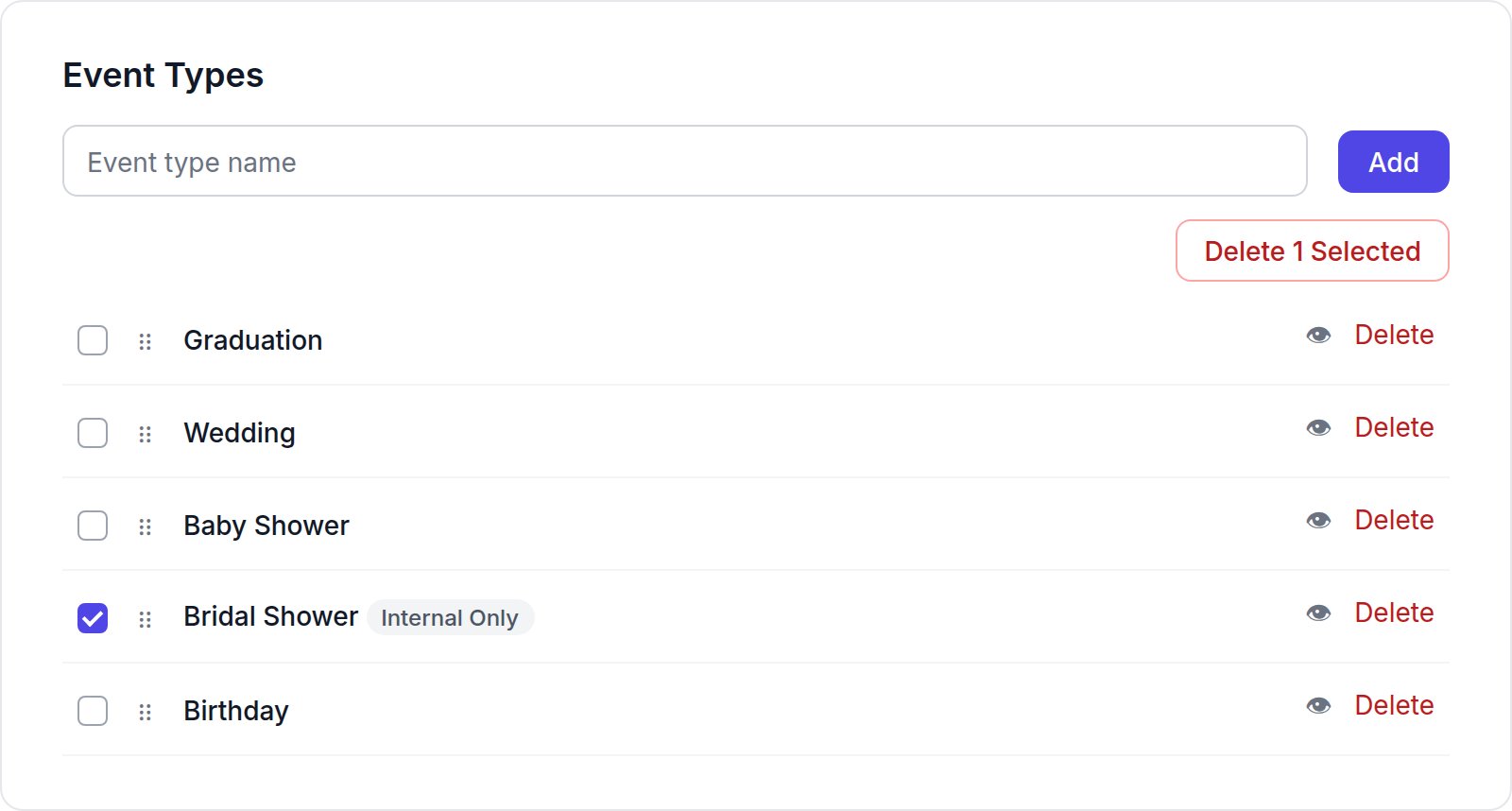
- Add: type a name in the field and click Add. New types appear at the top of the list.
- Reorder: drag a type by its handle. Customers see the types in this order.
- Hide: click the eye icon. A hidden type shows an Internal Only badge, and customers can’t choose it for new registries.
- Delete: click Delete on a row, or tick several rows and click Delete N Selected.
Custom event types are part of the Startup plan and higher. See Plans.